Buying Guide · 2026

Best Beauty Filters for OBS Studio

Quick answer

For beauty effects inside OBS on Windows, use a native filter such as CiCi OBS Plugin. For the same look in OBS and video calls, use a virtual camera app such as CiCi Cam, Streamfog, or FilterOnMe. ManyCam and NVIDIA focus on backgrounds and cleanup, not skin smoothing. Disclosure: we make CiCi OBS Plugin and CiCi Cam.

CiCi Cam: We make CiCi OBS Plugin and CiCi Cam · Third-party details from vendor pages, checked November 1, 2026

OBS beauty filters compared

Last reviewed:

Features, platforms, and prices from each vendor's official pages. Prices are in US dollars and can change.

CiCi OBS Plugin

How it works with OBS
Native filter on an OBS camera source
Face and beauty effects
Skin, face shape, makeup, body shaping, color filters
Background
Green-screen keying and background replacement
Platforms
Windows 10/11 x64; OBS 30.1.1+; macOS coming soon
Price
Free installer; Pro $18/month or $168/year; 7-day trial on first subscription

CiCi Cam

How it works with OBS
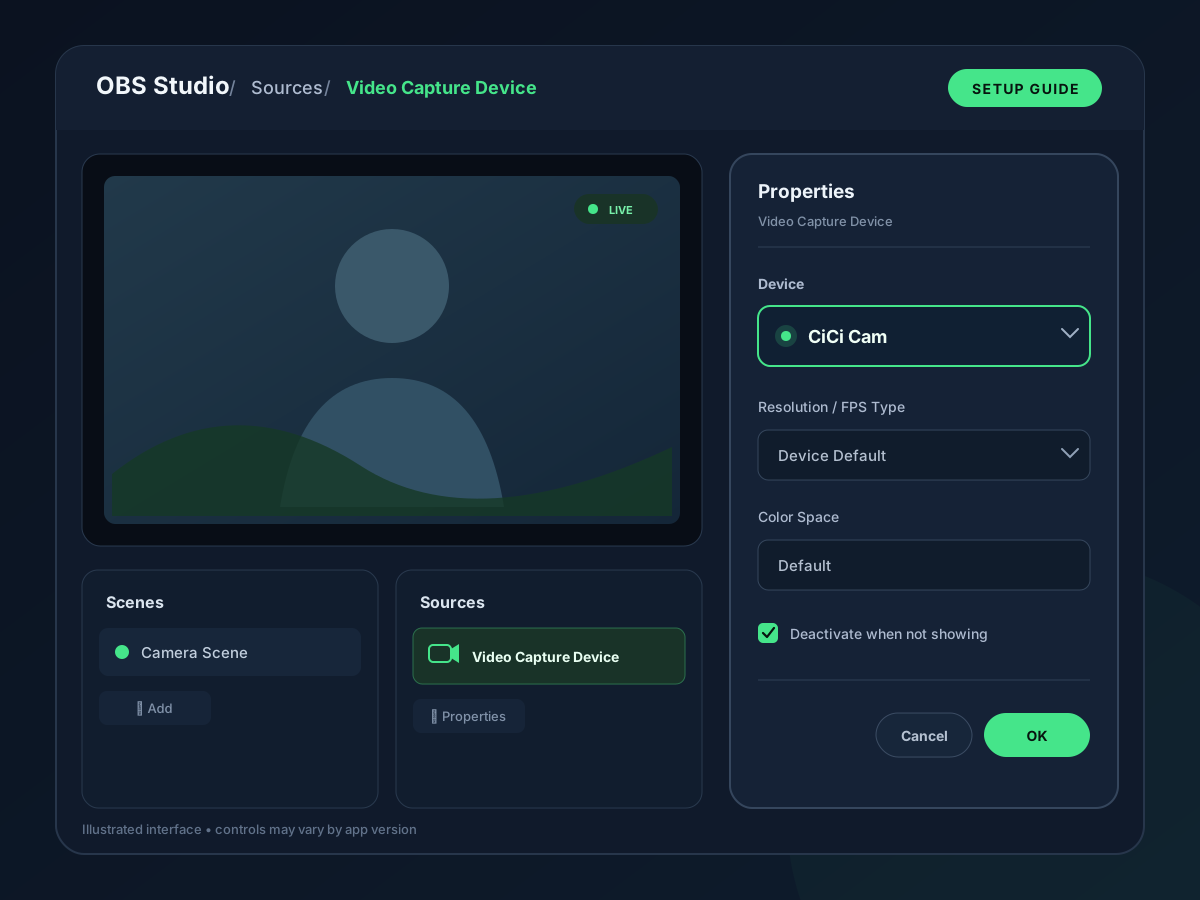
Virtual camera added as a Video Capture Device; also works in Zoom, Teams, Meet
Face and beauty effects
Skin, lighting, makeup, face shape, filters
Background
Blur and replacement
Platforms
Windows 10/11 x64; macOS 14+ on Apple Silicon
Price
Starter free with daily limit and watermark; Pro $12/month or $98/year

Streamfog

How it works with OBS
Desktop app connected by browser source or virtual camera
Face and beauty effects
Skin smoothing, teeth whitening, contouring, highlights, makeup
Background
Blur or green screen
Platforms
Windows, macOS, Linux
Price
Free with watermark; Beauty Pro $12.99/month or $119.99/year

FilterOnMe

How it works with OBS
App selected in OBS as the “Filteronme Camera” device
Face and beauty effects
Skin smoothing, foundation, face and jaw shaping, eyes, lips, makeup
Background
Not listed
Platforms
Windows, macOS
Price
7-day free trial; Premium $7.99/month billed yearly

ManyCam

How it works with OBS
Virtual webcam app
Face and beauty effects
3D masks and effects; no skin smoothing listed
Background
Blur, removal, and replacement; chroma key
Platforms
Windows, macOS
Price
Free Lite version; paid plans from $59/year

NVIDIA Broadcast

How it works with OBS
Virtual camera app
Face and beauty effects
None; Eye Contact, Auto Frame, Virtual Key Light
Background
Virtual background
Platforms
Windows only; GeForce RTX 2060 or newer; Virtual Key Light requires GeForce RTX 3060 or higher
Price
Free

OBS built-in filters

How it works with OBS
Filters on any OBS source
Face and beauty effects
None; Color Correction, Sharpen, LUT adjust the whole image
Background
Chroma Key; NVIDIA background removal and blur on RTX PCs
Platforms
Windows, macOS, Linux (NVIDIA filters: Windows with RTX GPU)
Price
Free

We make CiCi OBS Plugin and CiCi Cam. Third-party details come from the vendors' pages listed under sources.

What to check before you choose

Native OBS filter or virtual camera app

A native filter runs inside OBS on one camera source and needs no extra app. A virtual camera app processes the webcam before OBS sees it, so the same look can also reach Zoom or Teams, but the app must stay open while you stream.

Not every camera tool smooths skin

ManyCam, NVIDIA Broadcast, and the NVIDIA filters in OBS handle backgrounds, framing, lighting, or noise. Their official feature lists do not include skin smoothing or makeup. OBS's own filters adjust the whole image, not the face.

Free options come with different limits

Watermarks, daily time limits, trials, and paid upgrades differ by product. Check what the free version shows on your stream before you rely on it for a broadcast.

How to choose in four steps

  1. 1

    Decide where the effect should live

    Choose a native OBS filter if OBS is your only video app. Choose a virtual camera app if you also want the same look in video calls.

  2. 2

    Check your operating system and GPU

    Some options are Windows-only, some need an NVIDIA RTX GPU, and some Mac apps require Apple Silicon. Confirm the current requirements on the vendor's site.

  3. 3

    Check the free plan

    Look for watermarks, daily limits, trial length, and whether commercial streams are allowed before you build your scenes around one tool.

  4. 4

    Run one test recording

    Record a short clip in OBS with your real camera, lighting, and resolution. Turn on one effect at a time and check skin texture, motion, and frame rate.

Two ways beauty reaches OBS

A filter on the OBS source, or a processed camera added as a Video Capture Device

OBS Video Capture Device setup with a virtual camera selected
A virtual camera app appears in OBS as a camera under Sources → Video Capture Device
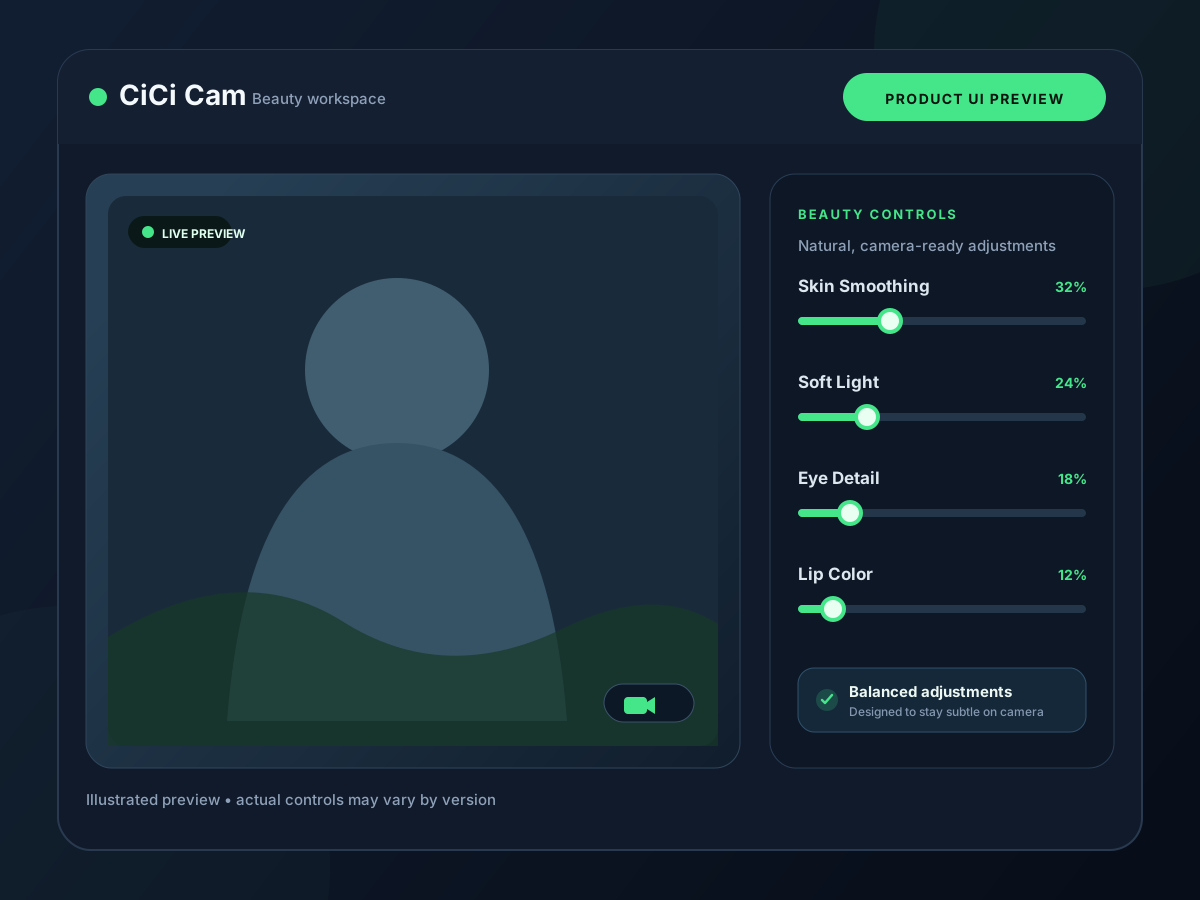
Beauty and lighting controls product UI preview
Skin, lighting, makeup, and face-shape controls are adjusted before or inside OBS
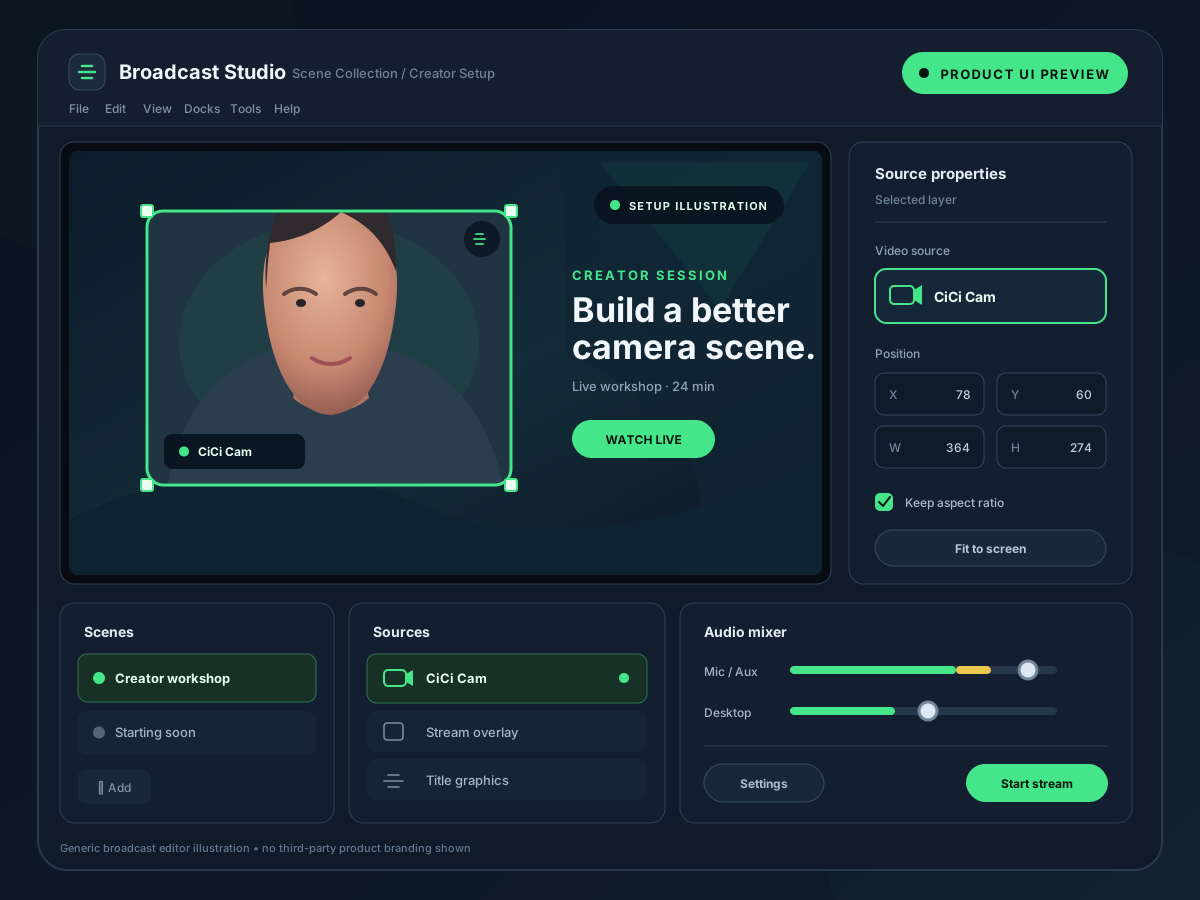
OBS stream scene with a filtered webcam source
The filtered camera sits in your scene like any other source

Common problems when adding beauty to OBS

Most issues come from the camera path rather than the effect itself.

The virtual camera is missing in OBS

Start the app first, then add or refresh the Video Capture Device in OBS. On a Mac, check that the app's camera extension and camera permission are allowed.

The webcam is black or in use

Only one app should open the physical webcam. Select the virtual camera in OBS instead of the physical camera when an app is processing it.

Frames drop after turning on beauty

Lower the camera resolution or frame rate, turn off unused effects, and check OBS Stats for rendering lag.

A watermark appears on stream

Free tiers of several tools add a watermark to the output. Check the plan before going live.

Frequently asked questions

What is the best beauty filter for OBS?
It depends on your setup. For effects inside OBS on Windows, CiCi OBS Plugin works as a native filter on the camera source. For the same look in OBS and video calls, a virtual camera app such as CiCi Cam, Streamfog, or FilterOnMe fits better. ManyCam and NVIDIA tools focus on backgrounds and cleanup rather than skin smoothing. We make CiCi OBS Plugin and CiCi Cam.
Is there a free beauty filter for OBS?
OBS has no built-in beauty filter. CiCi Cam's Starter plan includes every effect with a daily time limit and a watermark, and Streamfog's free version includes its beauty filters with a watermark. FilterOnMe offers a 7-day trial, and CiCi OBS Plugin's first subscription starts with a 7-day free trial. NVIDIA Broadcast is free on supported RTX PCs but has no skin smoothing.
Does OBS have a built-in beauty filter?
No. OBS includes Color Correction, Sharpen, LUT, and Chroma Key filters, and on supported NVIDIA RTX PCs it can remove or blur the background. None of these detect a face or smooth skin. Beauty effects need a plugin or a virtual camera app.
Which OBS beauty filters work on a Mac?
CiCi Cam (macOS 14 or later on Apple Silicon), Streamfog, and FilterOnMe run on Mac and appear in OBS as a Video Capture Device. CiCi OBS Plugin is currently Windows-only, and NVIDIA Broadcast is Windows-only.
Is a plugin or a virtual camera better for OBS?
A native plugin keeps everything inside OBS and needs no extra app running. A virtual camera works in OBS and in video calls with one setup, but the app must stay open. Choose by whether OBS is your only video app.
Can NVIDIA Broadcast smooth my skin in OBS?
No. NVIDIA lists Virtual Background, Auto Frame, Video Noise Removal, Eye Contact, Vignette, Virtual Key Light, and RTX upscaling and frame-generation effects. Skin smoothing and makeup are not part of the list.

Try CiCi Cam free

Install on Windows or Mac, build your preset, and use it in every video app.

Download CiCi Cam Free